tmux is a terminal multiplexer for Unix-like operating systems. It allows multiple terminal sessions to be accessed simultaneously in a single window. It is useful for running more than one command-line program at the same time. It can also be used to detach processes from their controlling terminals, allowing SSH sessions to remain active without being visible.1
There are a lot of great cheatsheets, demos, and resources for how to use tmux234.
In general tmux can help manage three components:
- sessions
- windows
- panes
What follows will be a series of commands that starts a session with ping, the tmux clock, and htop running with the pane layout customized to look like the following:
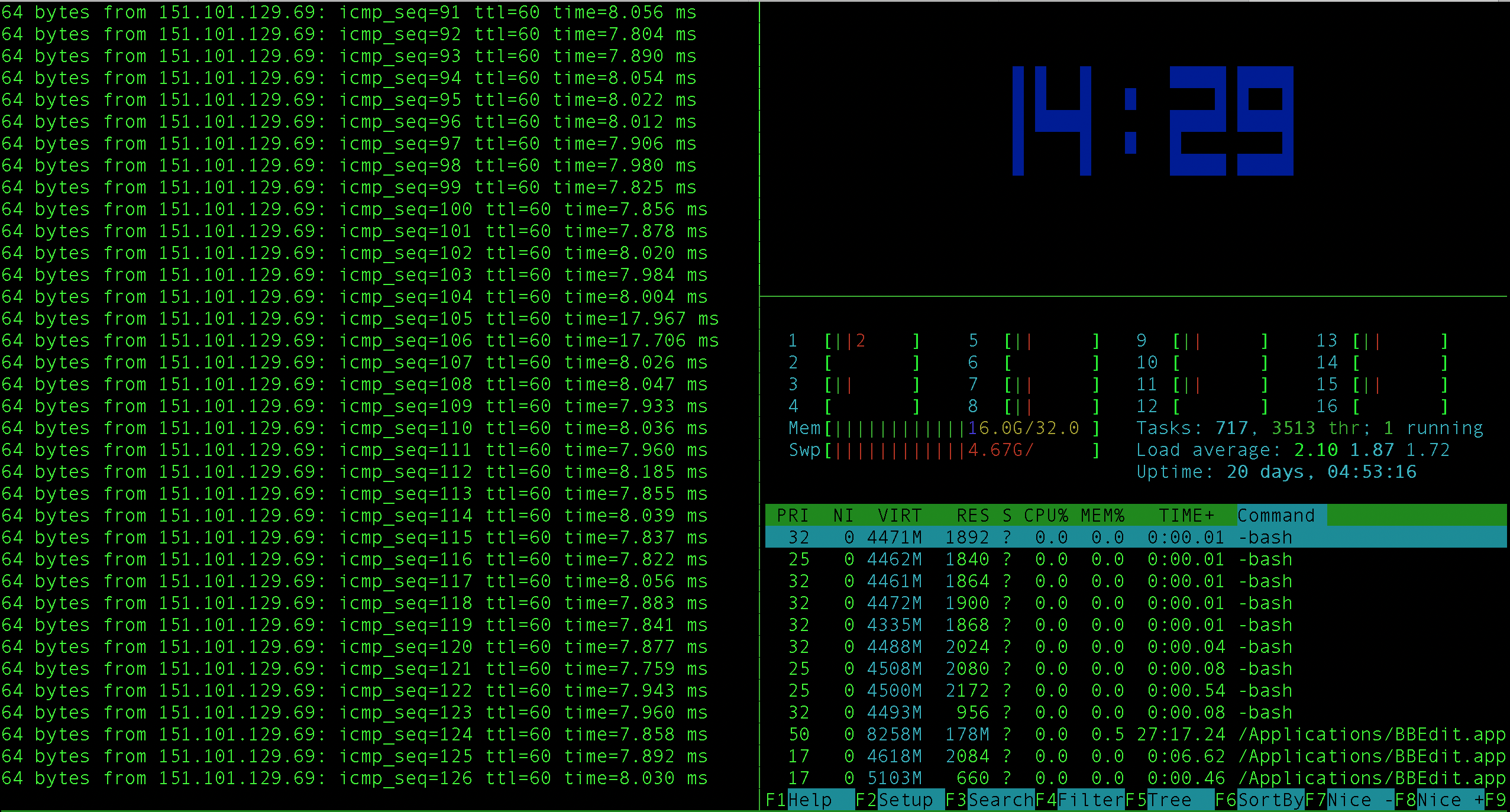
Start a new tmux session called “demo”:
tmux new-session -s demo
Start running ping:
ping stackoverflow.com
Split vertically to create a second pane:
ctrl-b + %
Start the big clock:
ctrl-b + t
Split horizontally to create a third pane:
ctrl-b + "
Do something else (in this case open htop):
htop
Resize the pane beneath the clock:
ctrl-b + :resize-pane -U 5
Remove the pane beneath the clock:
ctrl-b + x + y
Detach from the session:
ctrl-b + :detach
Kill the session altogether:
tmux kill-session -t demo